
US Passport Photo Checker
US passport photos, at home.
Snap a photo with your phone. We size it to 2 × 2 in on a white background and check every US Passport rule in seconds.
 Checking againstUS Passport · 2 × 2 inChange
Photos are deleted automatically. By uploading, you agree to our Terms and Privacy Policy.

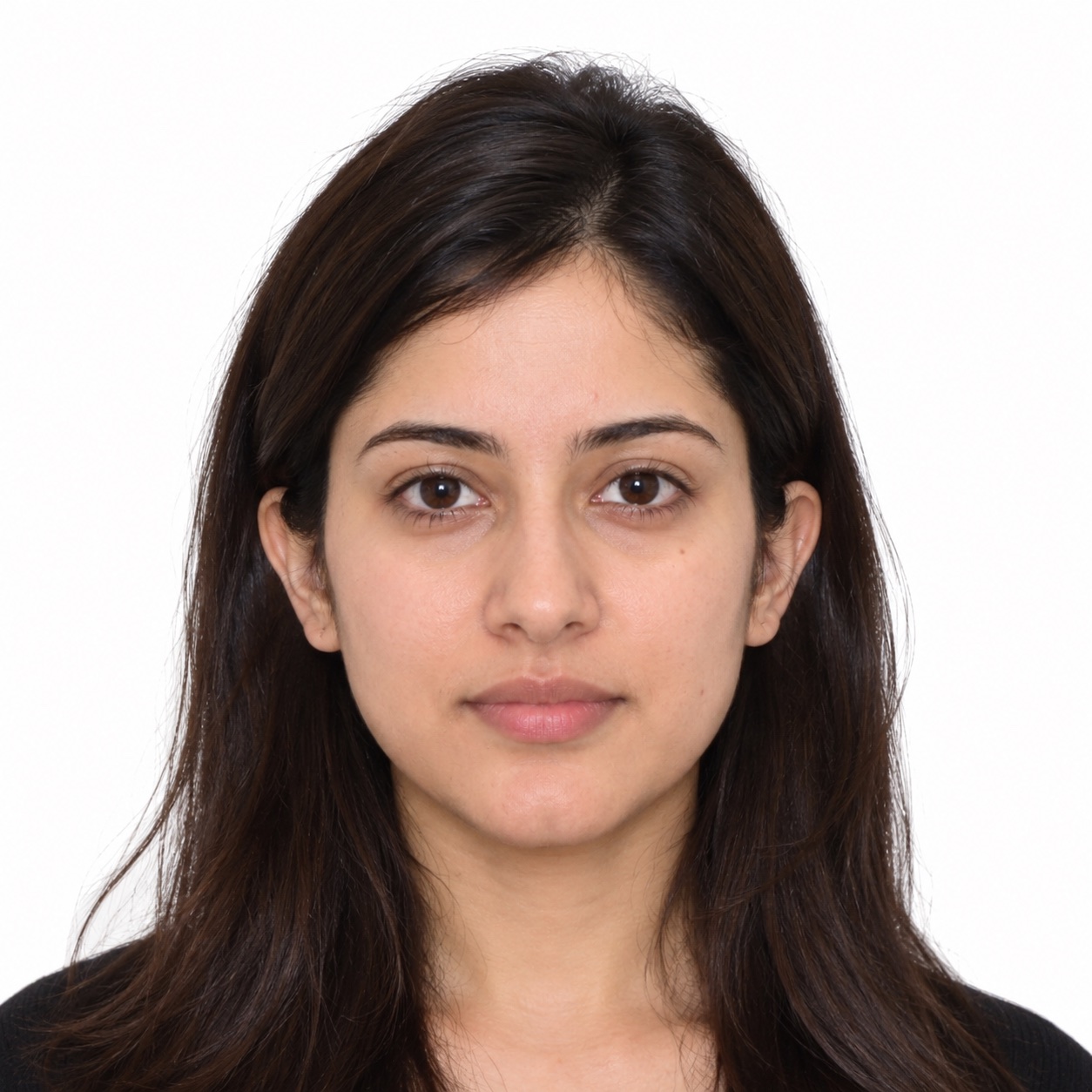
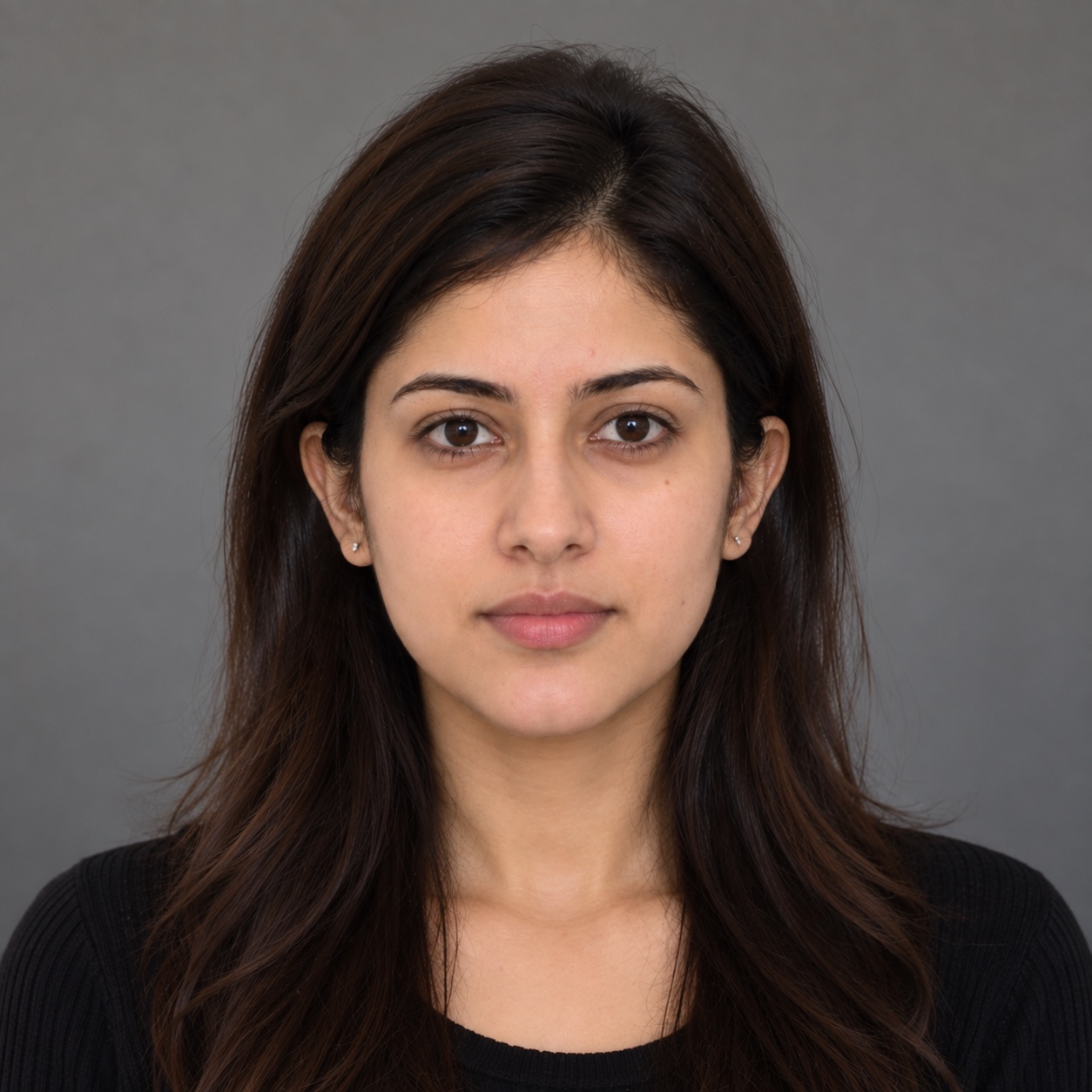 BeforeAfter · fixed
No white wall? No problem.
We also crop, resize and set 300 DPI to official specs. Your face is never altered.
How it works
Use your phone camera, or a photo you already have.
Size, crop and background fixed in seconds. Anything we can’t fix, we tell you how to retake.
Preview free. $7.99 for the digital file and a 4×6 print sheet.
How to take a passport photo at home
A phone camera and a helper are enough. Here’s the setup.
White or light gray, about 50 cm (1½ ft) in front of it so no shadow falls behind you.
Soft daylight on your face. Turn off overhead lights and the flash.
From about 1.2 m (4 ft), camera at eye level. Selfies distort the face.
Mouth closed, both eyes open, glasses off, head level.
Head and shoulders with room above. We crop it to size.
Taking a baby’s photo? Lay them on a white sheet and use Baby mode.
37 checks, measured against US Passport rules
Change the country above and every number updates.
Reminder: your photo must be taken within the last 6 months.
We catch what the human eye misses
Accepted, or your money back.
Our rules on edited photos
Officials reject photos that look altered, so we draw a clear line.
Applying online? Some agencies, like the US State Department, scan uploads for editing. If yours does, use the original photo.
Every document has its own rules
Pick yours and we check against that exact spec.
US PassportNew, renewal and passport card2 × 2 inPrint + digitalUS Passport online renewalDigital photo for renewing online600–1200 pxDigitalUS Visa (DS-160)Online visa application600–1200 pxDigitalUS Immigrant VisaPrinted photos for your immigrant visa interview2 × 2 inPrint + digitalGreen Card & USCIS formsI-130, I-485, I-765 (EAD), N-400 and moreRead the guide No photo neededDV LotteryDiversity Visa entryRead the guide Not open yet


%22%3E%3Cpath%20d%3D%22M0%200L32%2032M32%200L0%2032%22%20stroke%3D%22%23fff%22%20stroke-width%3D%226%22%2F%3E%3Cpath%20d%3D%22M0%200L32%2032M32%200L0%2032%22%20stroke%3D%22%23C8102E%22%20stroke-width%3D%222%22%2F%3E%3Cpath%20d%3D%22M16%200v32M0%2016h32%22%20stroke%3D%22%23fff%22%20stroke-width%3D%229%22%2F%3E%3Cpath%20d%3D%22M16%200v32M0%2016h32%22%20stroke%3D%22%23C8102E%22%20stroke-width%3D%225%22%2F%3E%3C%2Fg%3E%3Ccircle%20cx%3D%228%22%20cy%3D%2224%22%20r%3D%222.4%22%20fill%3D%22%23fff%22%2F%3E%3Ccircle%20cx%3D%2224%22%20cy%3D%227%22%20r%3D%221.3%22%20fill%3D%22%23fff%22%2F%3E%3Ccircle%20cx%3D%2227%22%20cy%3D%2214.5%22%20r%3D%221.3%22%20fill%3D%22%23fff%22%2F%3E%3Ccircle%20cx%3D%2221%22%20cy%3D%2217%22%20r%3D%221.3%22%20fill%3D%22%23fff%22%2F%3E%3Ccircle%20cx%3D%2224%22%20cy%3D%2226%22%20r%3D%221.3%22%20fill%3D%22%23fff%22%2F%3E%3C%2Fsvg%3E) Australia PassportNew and renewal35×45 mmComing soon
Australia PassportNew and renewal35×45 mmComing soon Japan Passport & VisaPassport and visa applications35×45 mmComing soon
 South Korea Passport & VisaPassport and visa applications35×45 mmComing soon
 Singapore Passport & VisaPassport, visa and ICA forms35×45 mmComing soon
 China PassportChinese visas usually take 2×2 in33×48 mmComing soon
 Indonesia Passport & VisaPassport and visa applications40×60 mmComing soon
 Cambodia Passport & VisaPassport and visa applications40×60 mmComing soon
One price, digital and print
Checking is free. Pay only when you download a photo that passes.
Frequently asked questions
Yes, if you ask us to. When a background fails, you choose: retake the photo, or tap “Fix background for me” and we replace everything behind your head and shoulders with the plain color your standard requires. Your face and hair outline stay as they were.

Keep your photo with the rest of your documents
Store your passport, visa and I-94 in Immplify, build your travel history for the DS-160, and get expert help when you need it.
Passport photoUS 2×2 in · just added